Speedway Crew
One Crew app. Three work modes: Driver, Field Tech and Staff.
Speedway Crew gives authorised workers one mobile field workspace for assigned jobs, active work, maps, route governance, guided service steps, proof capture, status updates, account context and team communications. The presentation changes for the job; the governed work record stays connected.
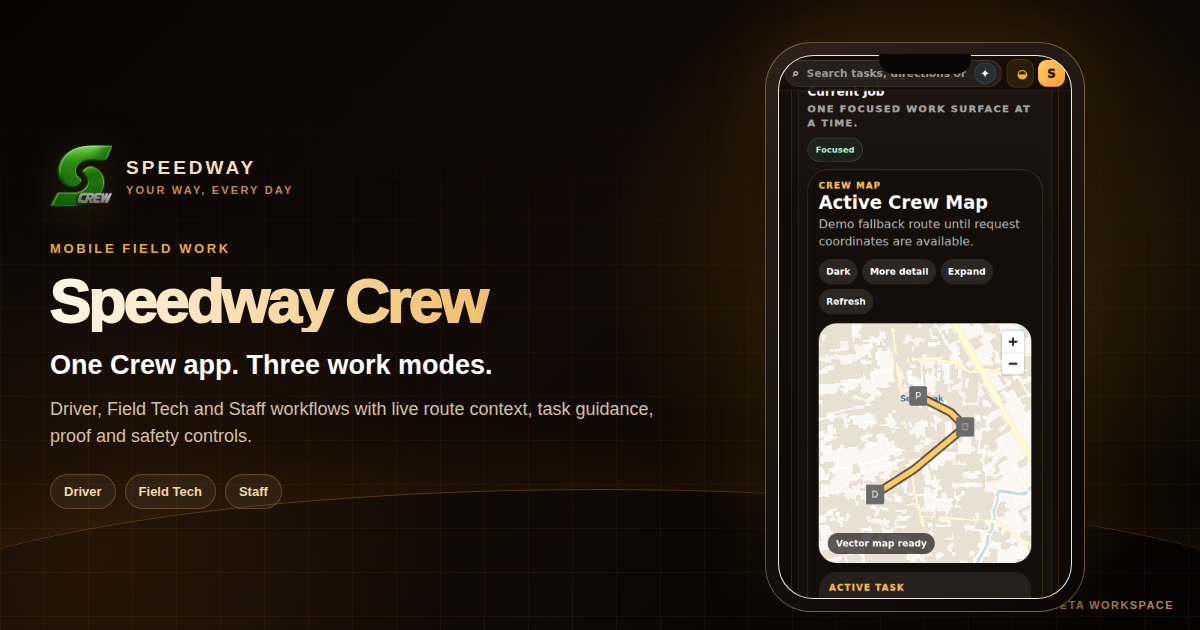
Choose the work context
The same Crew identity, shaped around the job being done.
Crew avoids making every worker navigate the entire operations stack. It opens the tools that matter for the current role and assignment.
Receive assigned or available movement work, open the active trip, follow pickup and delivery context, use route guidance, update progress and keep earnings or wallet context close to the shift.
Open assigned service work, customer or site context, navigation, task guidance, status and completion evidence without switching into a merchant admin console.
Handle venue or operational assignments, active tasks, handoff events and team communications from a focused staff presentation of the Crew workspace.
Field Tech mode
The same Crew identity adapts to field service.
Field Tech mode keeps the job guide, route, tools, evidence steps, safety checks and service standards close to the active assignment.
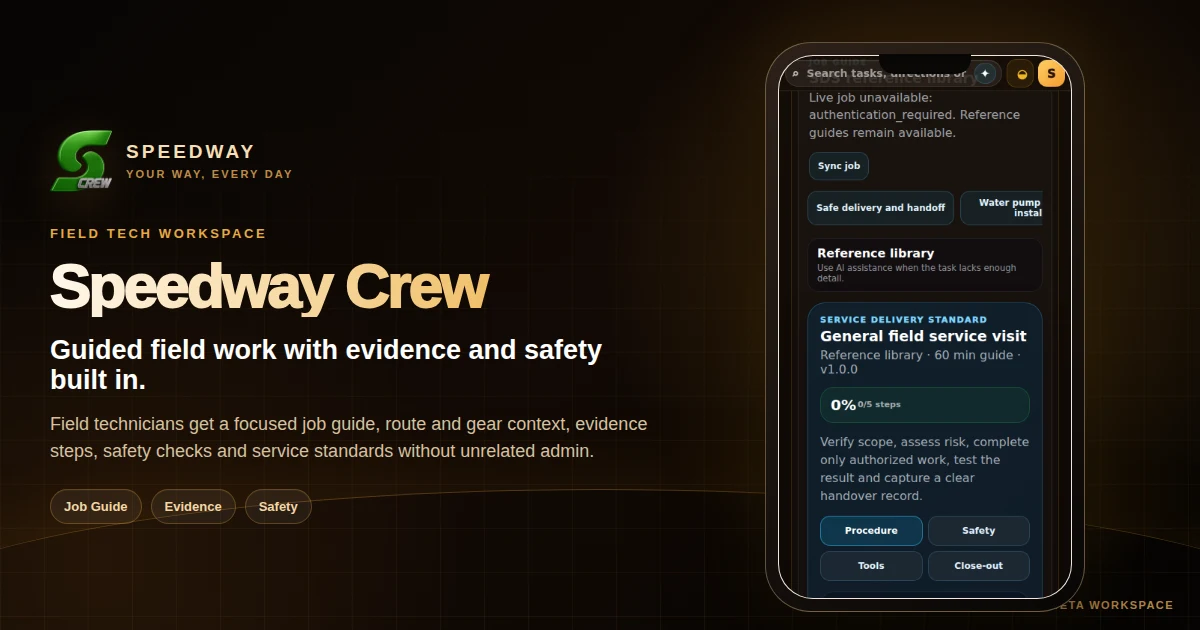
Field workflow
From assignment to proof, one connected work record.
The Crew shell is built around active work rather than paperwork.
Assigned jobs and the current job remain the primary operational context, with clear status and next actions.
Role-aware service and delivery steps can guide the worker through the required sequence without exposing unrelated administration.
Map and route tools stay connected to the job so location, destination and handoff progress are easier to understand.
Where the workflow requires it, Crew can collect completion evidence and return it to the same operational history used by the business and customer journey.
Communications can stay connected to the merchant, dispatch, support or active work context instead of becoming a disconnected chat thread.
Identity, access, earnings, tips, rewards or wallet activity can be surfaced in the Crew account where the worker is entitled to them.
Crew + CrewHQ